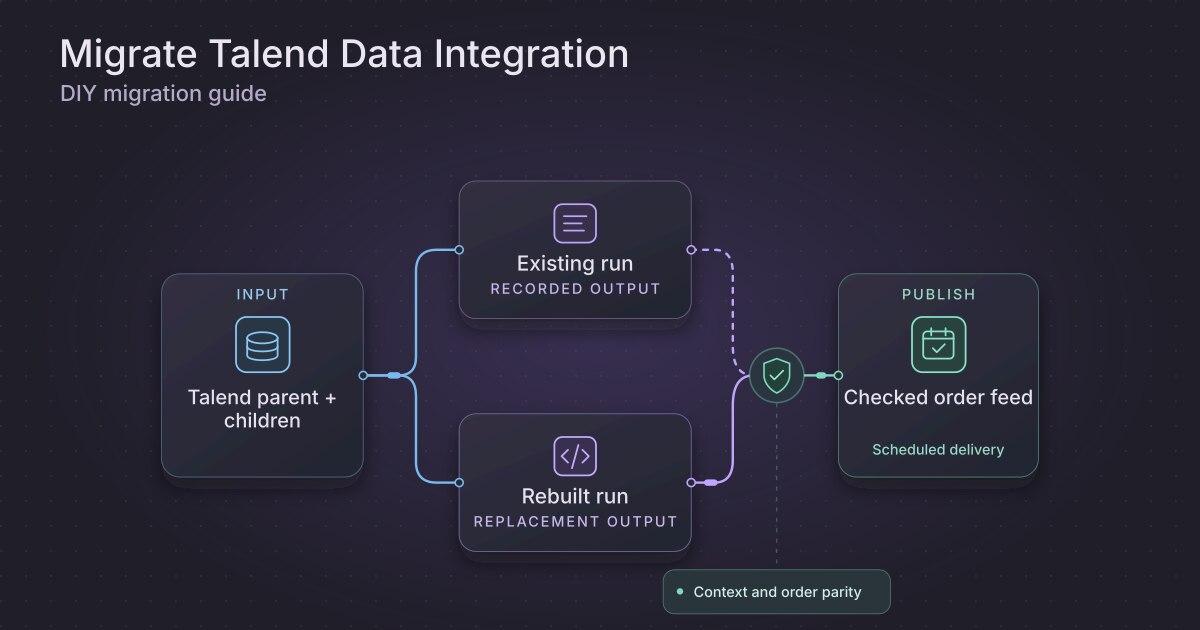
How to migrate a Talend Open Studio Job to Python and SQL
TLDR
Recover the Open Studio Job, the exported files, and the timer running them. Rebuild the report load and test its exact file contract before cutover.
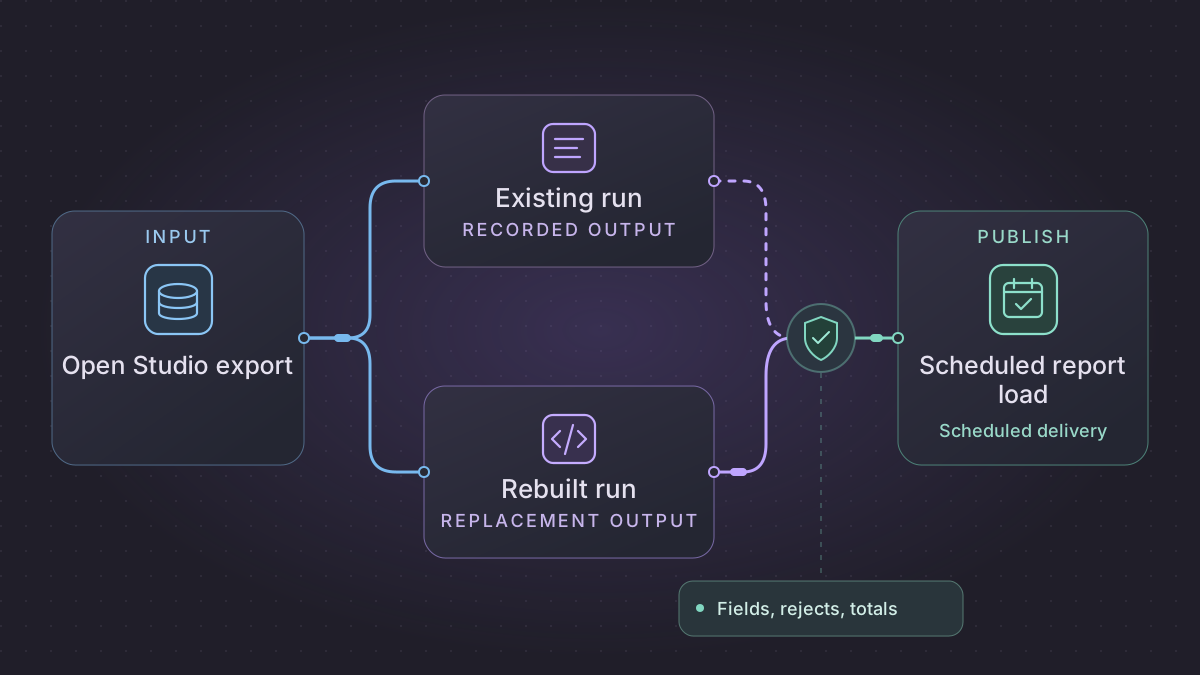
Migrate a Talend Open Studio Job by preserving both the design items and the exported runtime your scheduler actually starts. Rebuild one file-to-report load in Python and SQL, then prove the field mapping, rejects, and delivery time. Qlik says the open-source version of Talend Studio retired on January 31, 2024. Preserve the installation and artifacts available to your team while you extract the job behavior. Qlik Talend Open Studio retirement notice
What should a Talend Open Studio replacement do when CSV headers move?
A retired standalone Talend job receives a CSV with reordered columns. Use the deployed build, launcher and redacted run evidence to distinguish positional binding from an explicitly approved header-based mapping.
Recovery. Reject a changed positional header before writing. For a supported name-based contract, validate the exact unique names and parse against the pinned format. If a valid file already committed, retry the archive only and verify its digest.
Cutover check. Compare the old executable and successor on identical bytes. Preserve accounts 0012 and 0044 and the quoted fields, total 2,000 cents and reject data row 3. Require zero writes for the invalid positional header and one load plus one archive receipt after replay.
Replace a retired standalone Talend Job that ingests and archives CSV files
The sample inputs and expected results in this walkthrough are synthetic.
Pick one real scheduled job with one inbound folder and one report. Preserve the production launcher and its required Java and library versions as the legacy comparator. If only the generated build survives, record which rules you can prove from redacted traces and sandbox executions. An old executable can be a useful comparator even when the original Studio project cannot be reopened.
Write the file contract from the deployed behavior
| Legacy component or artifact | Target contract | Parity check |
|---|---|---|
Scheduler command, .sh or .bat, context file | Explicit feed_id, business date, time zone, incoming and archive directories, service identity and active schema version | A rerun preserves date and context. A changed environment never points a test at production. |
tFileList and ready-file convention | Sender, logical filename, version, content digest, size and readiness signal | Ignore files still being written. Reject the same logical version with different bytes unless it is an approved correction. |
tFileInputDelimited schema | Delimiter, line terminator, quote, escape, encoding, skipped headers/footers, column order and null rules | A quoted separator is one field. Leading zeros are preserved. A schema mismatch stops the entire file when the original is positional. |
tMap and reject links | Typed staging rows keyed by file identity and input ordinal. Keep reject reason, field and original restricted row pointer. | String 0012 remains distinct from 12. The exact bytes used for a field conversion can be traced. |
Output and tFileMove or wrapper archive | Immutable output by file version, one commit receipt, one pending archive request | After a successful database commit, an archive retry never reloads the rows. |
Inspect the CSV options of the actual release. A parser configured by position and a parser configured by header name need separate acceptance cases. Fix the encoding and reject behavior from a representative deployed run. Qlik delimited source properties · Qlik standalone Job build
Build a worker that survives a partial archive
- Read only files whose sender's agreed ready signal is present. Persist the accepted metadata and digest. Use the immutable version or a private staged copy so the reader cannot see changed bytes during a retry.
- Read with explicit encoding and a CSV parser using the recorded delimiter, escape and quoting rules. Test source newlines and BOM behavior. Parse account codes as text, amounts with fixed decimal precision, and blank fields using the approved null rules. Record rejects by ordinal. For a positional feed, validate the exact header before any staging or publication.
- Transactionally write the accepted and rejected rows, validate input accounting, and insert a uniquely keyed file receipt with the staged output identifier. A worker that loses its process response can prove the transaction committed by reading the receipt.
- Run a separate archiver from the pending operation. Verify the bytes under the archive destination before marking completion. On object stores or cross-filesystem moves, verify the copy before removing the source. A failed archive should leave a recovery item and never imply an empty input on the next run.
- At the scheduled cutoff, reconcile expected, accepted, quarantined and archived files. Emit a different alert for a missing arrival, a schema failure and an archive backlog. Preserve the old Job's consumed file manifest for the migration boundary.
Verify bytes, rows and delivery independently
Use a positional CSV with fields account,description,amount. Include 0012,"blue,large",12.50, 0044,"one ""quoted"" word",7.50, and 0090,bad,N/A. For a quote-doubling fixture, the second description decodes to one "quoted" word. Expect accounts 0012 and 0044, 2,000 cents total and one invalid amount at data ordinal 3. Repeat with the legacy file's exact encoding and terminators. Change the header order and confirm the positional adapter blocks the file with no rows or archive operation.
Finally, terminate the replacement after its database commit and before archiving. Restart from the committed receipt and reconcile one verified archive plus the original output digest. Try reusing the same logical version with edited bytes and verify it remains held. Compare the exact accepted and rejected rows to the old Job, then switch the single report publisher at the named file boundary. If rolling back, supply the old launcher only files outside the replacement's committed set.
Recover the Job and the timer
Check the original workspace or version-control backup for the Job, its .item and .properties files, context definitions, routines, and schemas. Also collect the standalone Job archive, launcher script, runtime libraries, and exact scheduled invocation. Keep copies in an approved location. Qlik's historical support article covers Export Items in Talend Open Studio. Studio build documentation describes standalone runtime packaging and the optional inclusion of Job sources. Verify the features available in your installed release. Exporting items from Talend Studio · Standalone Job build
Compare the launcher and timer to the defaults in Studio. Record the working directory, parameter sources, Java runtime, file mask, and delivery path. If only the executable survives, use approved historical logs and a read-only baseline run to document observed behavior. Mark gaps for the report owner. Redact paths, credentials, and customer records before sending excerpts to an AI assistant.
Replace one file load
- Parse the agreed input file format in Python with explicit encoding, quoting, header validation, and date formats. Stage the raw file with a checksum and retain original line numbers.
- Recreate the Job's field mapping, routine behavior, and rejected-row outputs with small functions and SQL. Preserve code values with leading zeros by defining them as strings. Put environment-specific paths in configuration.
- Produce a staged report and an audit record. Validate expected counts and amount precision before publishing. Use a batch key so the same input cannot add rows again after a retry.
Implementation runbook
Recover the original Open Studio sources and deployed job
Start with the existing controlled workspace or versioned backup. Qlik retired Talend Open Studio on January 31, 2024. Identify the exact Open Studio and Java versions before opening a copy. In the installed Studio choose Export items from Repository and include the selected Job, dependencies, routines, contexts and metadata. Save the .item and .properties pairs and gather the job script, JARs, JDBC drivers, config and local files from the deployed directory. If Build Job is supported in your installed release, preserve the standalone job export and include the source Items where that option is available. A generated .sh/.bat or binary job can provide a comparator without exposing the design conveniently. Capture the deployed job before attempting to open its workspace in another version. Qlik Open Studio product status · Qlik support export procedure including Open Studio · Qlik standalone export reference
Read the scheduler wrapper, working directory, service account, default context, command line overrides, exit-code handling and outbound filenames. Record tFileList pattern, tFileInputDelimited delimiter/quote/escape/encoding/header, and exact schema and mapping in tMap. Check success/failure hooks that archive, remove or transfer input files. Compare an isolated known-good run and bad-input run using synthetic data so they do not access the production destination.
Replace one file ingestion with strict input and atomic delivery
- Validate the file arrives under a documented ready rule. Capture sender ID, file object version, digest and parser version. Read the first record with the configured delimiter and quoting, then compare the ordered field names and expected count. Fail early on a schema mismatch unless an owner approved that variant.
- Build a normalized typed staging schema and keep the raw row number. Preserve rejects in a separate table with the original identifier and reason. Change column types by explicit schema version. Keep tMap default/nullable semantics and parse decimal formats without going through floating point.
- Inside one transaction verify row accounting and uniqueness, upsert by the destination natural key and record a file-commit receipt. Create one post-commit archive or acknowledgement event. Execute that event from durable storage so a job restart can finish it without reloading the file. Identical digest is a replay. A same-path different-digest replacement needs reviewed correction handling.
- Run at the current business schedule using an explicit input time zone, no overlapping writes and a missing-file deadline. On cutover save the last source file ID and legacy archive receipt. Reconcile files between the last receipt and schedule switch before deciding ownership for each.
Concrete fixture. Legacy CSV schema order_id,description,amount receives valid A1,"red,large",12.50 and invalid A2,bad,N/A. Expect one accepted row totaling 12.50, one typed-parse reject, and preserved quoted comma. For a positional tFileInputDelimited contract, a variant moving amount before description must fail before any write. An approved header-based parser may accept a reordered header after checking the exact set of unique names. Force termination after committing A1 and before moving the file. Retry should produce one load receipt and one archive receipt with the original digest, leaving the same accepted and rejected rows.
Run the acceptance logic locally
Run this self-contained fixture with Python 3. It uses synthetic inputs and no vendor connection. For migration signoff, repeat the same checks against a sandbox on your selected replacement.
import csv
from decimal import Decimal, InvalidOperation
from io import StringIO

def parse(payload, positional):
    reader = csv.DictReader(StringIO(payload))
    names = reader.fieldnames or []
    expected = ["order_id", "description", "amount"]
    if len(names) != len(expected) or set(names) != set(expected):
        raise ValueError("Missing, duplicate or unknown header")
    if positional and names != expected:
        raise ValueError("Column order changed")
    accepted, rejected = {}, []
    for row in reader:
        try:
            amount = Decimal(row["amount"])
        except InvalidOperation:
            rejected.append(row["order_id"])
            continue
        accepted[row["order_id"]] = (row["description"], amount)
    return accepted, rejected

data = 'order_id,description,amount\nA1,"red,large",12.50\nA2,bad,N/A\n'
reordered = 'order_id,amount,description\nA1,12.50,"red,large"\nA2,N/A,bad\n'
expected = ({"A1": ("red,large", Decimal("12.50"))}, ["A2"])
assert parse(data, positional=True) == parse(reordered, positional=False) == expected
try:
    parse(reordered, positional=True)
except ValueError:
    pass
else:
    raise AssertionError("Positional contract must reject a reordered header")
Try a schema-change fixture
For a separate header-based feed, create a CSV with headers account,amount and rows 0012,10.25, 0044,9.75, and 0090,broken. Under a fixture rule that rejects nonnumeric amounts, expect two accepted rows totaling 20.00, account IDs with leading zeros preserved, and one reject. Reorder the columns and expect the header-based mapping to keep the same result. Rename a required header and verify the run stops before replacing the published report.
Prompts you can copy
Compare these redacted Open Studio item fragments with the launcher and historical logs. List field types, custom routine behavior, scheduled parameters, and dependencies. Separate proven rules from behavior that needs a baseline run.
Draft a local Python parser and SQL load for these account fixtures. Test leading zeros, reordered columns, a missing header, and a duplicate file checksum. Leave delivery disabled in the example.
Schedule and hand over the replacement
Run at the existing business-time cutoff using a lock per input window. Retry temporary file access and quarantine invalid input. Keep the old report available until the new load validates. Compare parallel outputs with the same archived files, then switch the sole report publisher after owner approval. Keep the old launcher and last successful manifest until the rollback window ends.
Need help with the migration?
Explore Talend Open Studio migration services or browse all DIY migration guides.