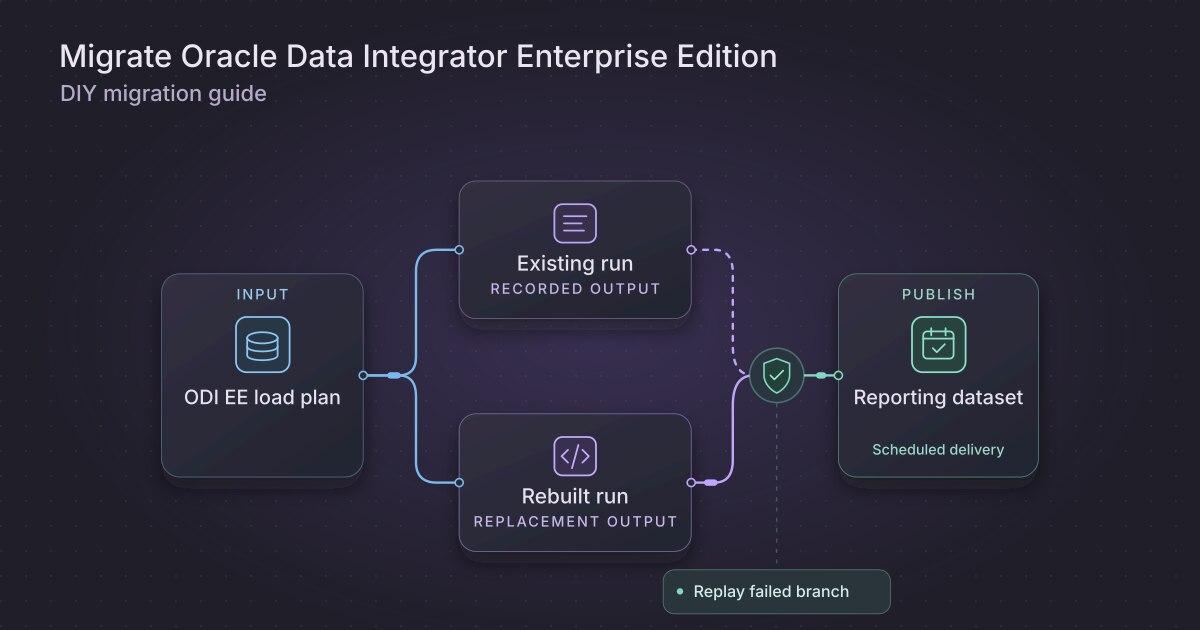
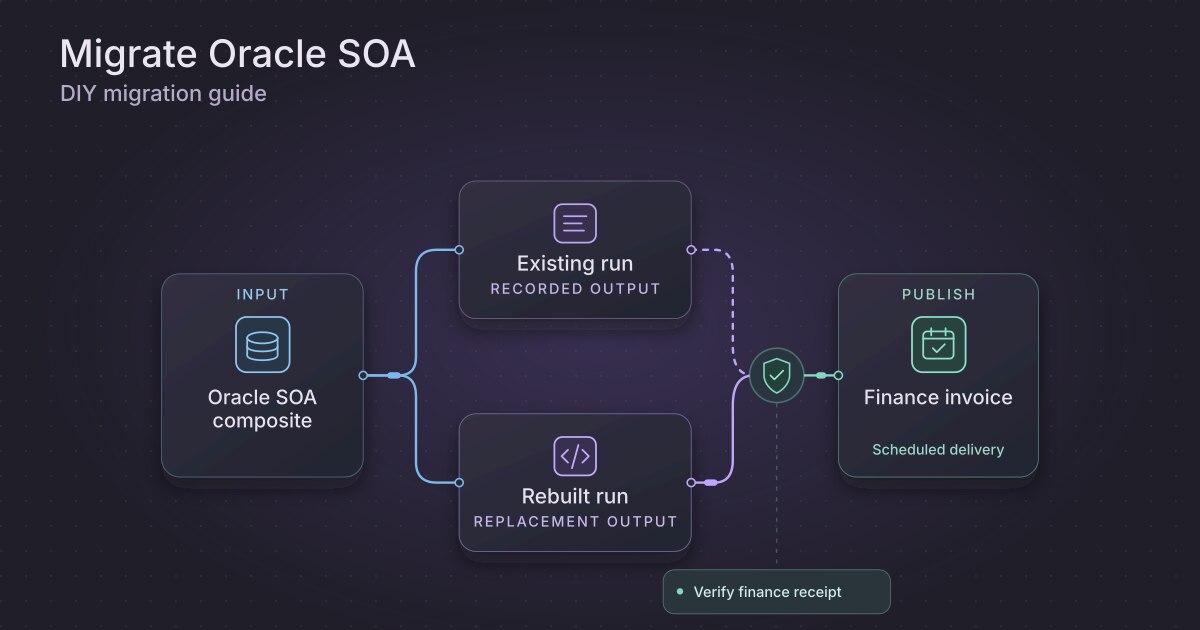
How to migrate an Oracle Data Integrator warehouse load yourself
TLDR
Move one ODI warehouse load by collecting its mapping, scenario, topology, and execution evidence. Use AI to draft explicit SQL, then validate load order, output, and replay.
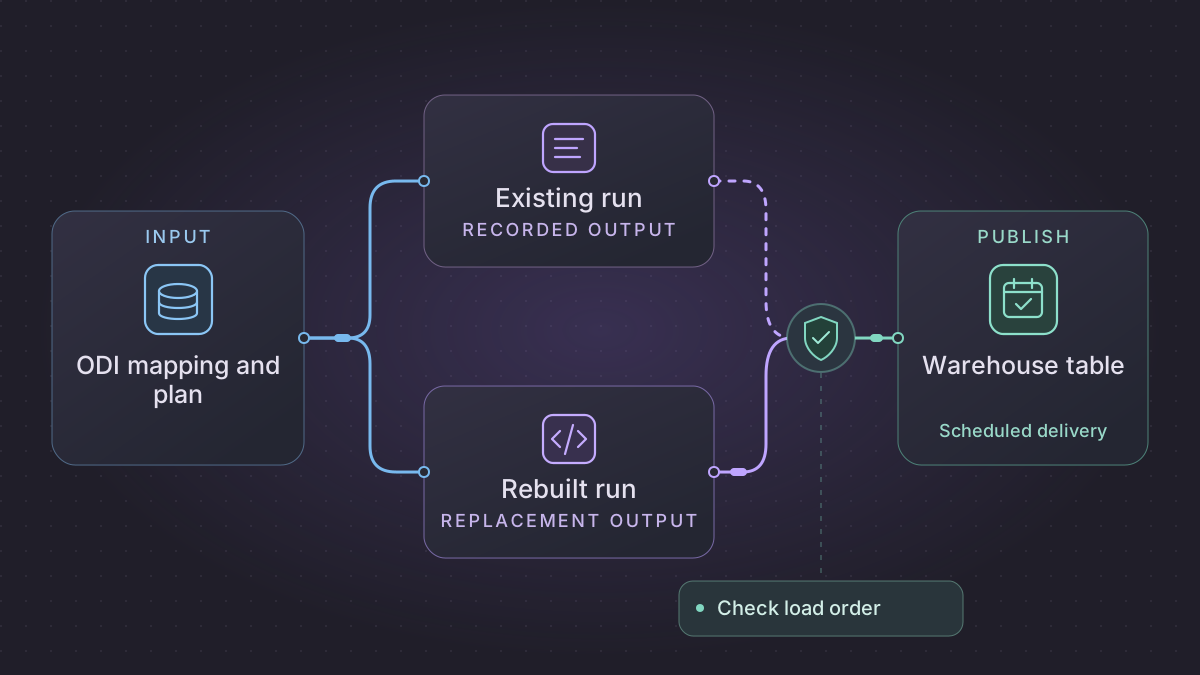
To migrate an Oracle Data Integrator (ODI) warehouse load, export the mapping and the scenario or load plan that actually runs it. Review the Knowledge Modules and execution log so you can rebuild the SQL and runtime behavior. Prove the replacement loads the same warehouse rows in the right order and can recover from a failed step.
Should you replay an ODI merge or advance the journal cursor?
An ODI order load stopped near cleanup. Check the deployed scenario's Operator session, target receipt and subscriber position to distinguish an uncommitted merge from a committed window awaiting journal consumption.
Recovery. If the merge is uncommitted, replay the frozen change window with the same context. If the target and reject receipts are durable, reconcile and advance only the owned subscriber or replacement cursor without rerunning the merge. Hold conflicting payloads at the same change position.
Cutover check. On the same window, compare old and new order-line keys, exact active totals, reject keys, delete disposition and final subscriber position. The fixture must leave keys 300 and 302 totaling 2,950 minor units, reject change 82 and commit through 84 only after the reject is durably accounted for.
Translate generated ODI tasks into an auditable order fact load
The sample inputs and expected results in this walkthrough are synthetic.
Save the Operator code and step status for a named scenario, version, context and session. For each generated command record which connection executed it, the table it read or modified, its transaction, and where its rejected rows went. Use Smart Export separately for upstream mapping lineage. Resolve the actual physical and work schemas through Topology. When the mapping uses a journalized model, identify the subscriber and capture the change window, operation flags and any journal consume step. In a consistent-set journal, coordinate the successor subscriber and consumption boundary with the source owner before modifying an existing subscriber. Oracle journalizing and consistency windows · Oracle scenarios
| Inspect in generated ODI SQL | Implement in the new load | Evidence to compare |
|---|---|---|
| LKM source query and work table materialization | Extract into a batch-isolated stage with source change position and raw order/line key. Persist extract digest and context. | Extract keys and change flags match the same source window. Compare table owners as well as row counts. |
| IKM mapping and update key | Normalize order_id, line_no, customer_code, currency, net_amount_minor, change_position, operation. Apply a version-aware merge keyed by order and line. | Same change position with identical values is a replay. Same position with a conflicting value is a hold. A larger position applies a correction. |
| CKM and flow-control behavior | Stage approved error classes and the raw failing key before target writes. Persist reject or quarantine disposition and its replay path. | Compare unknown-dimension, not-null, check and duplicate rules against errors actually recorded by the deployed session. |
| Cleanup and journal consume step | Retain source and staged snapshots until target write, rejects and run receipt are durable. Advance only the owned subscriber or replacement cursor. | Killing the worker before commit leaves the old cursor. Killing it afterward leaves one receipt and no duplicate target update. |
Use separate commands for extract, stage, merge and publish. The scheduler passes context, lower_position, upper_position, manifest_id unchanged across attempts. Only the job that owns the journal subscription can advance it. Use a separate subscription or a retained immutable input for shadow. Once both outputs agree, stop the old trigger and record the final subscriber window and target receipt together. Rollback first reconciles any new windows the replacement consumed or published.
Shadow an order update with an error and a delete
Start the target with order 302 line 1 at 1000 minor units and order 303 line 1 at 400. Feed change 81 (order 300 line 1, known customer, 1750), repeat 81 exactly, feed 82 (order 301 line 1, unknown customer), 83 (order 302 corrected to 1200), and 84 (delete 303). Expect 4 distinct changes, 3 applied changes, 1 duplicate input and 1 rejection. If the old sink physically deletes, order 303 must be absent. If it retains a tombstone, compare that state separately from the active totals. The active keys are 300 and 302 and sum to 2950. Check both the CKM-equivalent reject row for 82 and the final committed position 84, subject to approved reject disposition.
Collect design objects and runtime evidence
Use ODI Studio's Smart Export for the selected mapping and related objects where your version supports it. Oracle documents that Smart Export can bring dependent objects such as referenced Knowledge Modules. Also collect the exact scenario version used by the scheduler, the load plan, and the production context and agent configuration. Record logical-to-physical schema mappings and access requirements in a redacted inventory. Oracle ODI export and import guide · Using ODI scenarios
A mapping's logical diagram can show joins and filters while leaving its physical execution choices elsewhere. Inspect the selected Knowledge Modules and their options for staging, incremental load, and data checks. Compare the generated commands from a representative run in Operator with the mapping definitions. Write down where variables come from, which steps write to the target, and where the existing load plan can restart.
Make the load and its dependencies explicit
For an order-fact load, split the code into steps for source extraction, dimension preparation, fact transformation, and publication. Use a known business date and one frozen source extract during validation. Load the dimension first and confirm its business keys are unique. Join orders to the dimension on the intended key and reject or assign unknown members according to the approved rule.
Keep work tables scoped to a run or partition, and make the final merge use stable warehouse keys. Store a run manifest with input revisions, staged counts, rejected keys, and a publication receipt. If the old job uses a custom Knowledge Module for transaction boundaries or error tables, replicate the observed outcomes as explicit checks and writes. Avoid guessing what its template expressions do from their names.
Implementation runbook
Inspect ODI design and deployed execution separately
For ODI 12.2.1.4 use ODI Studio's Designer Navigator export wizard with Smart Export for the mapping/package, models, variables, Knowledge Modules and referenced procedures. In Operator export the exact deployed scenario and save resolved execution SQL from a matching run. A scenario is generated/frozen code, so a newer Designer mapping is weak evidence of what that version did. In Topology capture context code, logical-to-physical schema resolution, work/staging schema and agent identity. Secure the resulting XML and logs. Redact connection values. ODI Smart Export and import · ODI scenarios
When a command-line export is convenient, call the Oracle Data Integrator tool OdiExportScen from an ODI tool step with pinned scenario name and version. Example using the documented file and cipher controls after confirming installed version support. Use the supported Designer/Operator export if a workspace or agent disallows the step.
OdiExportScen -SCEN_NAME=LOAD_ORDER_FACT -SCEN_VERSION=001 -FILE_NAME=/secure/LOAD_ORDER_FACT.xml -EXPORT_WITHOUT_CIPHER_DATA=yes
Extract generated DDL and DML for each stage, load and check step. In particular, read the KM options rather than inferring behavior from its name. Inspect staging table cleanup, update keys, flow control/static control, target transaction boundaries, reject rows and any journalized CDC subscriber window. Preserve the business rule behind each check while replacing Oracle-specific temporary objects with controlled scratch tables. Oracle tool reference including OdiExportScen
Replace a single scenario with independently restartable SQL
Build four commands for extract_window, stage_and_validate, merge_fact and record_delivery taking the same explicit business date/context. A parameter map such as DEV → analytics_dev, PROD → analytics must be a controlled config allowlist. Never interpolate an arbitrary schema parameter into SQL. Use staged source snapshot and a watermark ledger. Convert CKM business rules into explicit reject checks (unknown dimension, null natural key, duplicate with differing values) and carry original reason and raw ID. Hash staged files and pass those digests to downstream steps. No staging cleanup before the fact commit and audit are durable. Use the target's transaction and an audited upsert/replace-by-partition strategy matching the selected mapping. Translate numeric scales and date boundaries with tests.
Concrete fixture. Order 300, line 1 arrives twice under the same source change token with a net amount of 17.50. Order 301 has a missing customer dimension and is quarantined. Order 302 is an intentional correction from 10.00 to 12.00. Expect two accepted keys totaling 29.50 and one unknown-dimension reject after dedupe. Fail the final logging task, retry and prove those counts and totals remain unchanged. Run against DEV first and compare target table identities to the manifest before permitting PROD. For changed context, compare the reference-data snapshot too, since a different dimension may change the expected rejects.
Run the acceptance logic locally
Run this self-contained fixture with Python 3. It uses synthetic inputs and no vendor connection. For migration signoff, repeat the same checks against a sandbox on your selected replacement.
from decimal import Decimal

customers = {"C1"}
rows = [
    (300, 1, 1, "C1", "17.50"),
    (300, 1, 1, "C1", "17.50"),
    (301, 1, 1, "missing", "9.00"),
    (302, 1, 1, "C1", "10.00"),
    (302, 1, 2, "C1", "12.00"),
]
fact, rejects = {}, {}

def apply(items):
    for order, line, version, customer, amount in items:
        key, value = (order, line), (version, Decimal(amount))
        if customer not in customers:
            rejects[key, version] = "unknown customer"
            continue
        prior = fact.get(key)
        if prior is None or version > prior[0]:
            fact[key] = value
        elif version == prior[0] and value != prior:
            raise ValueError("Different amount for the same change token")

apply(rows)
apply(rows)
assert len(fact) == 2 and sum(value[1] for value in fact.values()) == Decimal("29.50")
assert rejects == {((301, 1), 1): "unknown customer"}
Ask AI to derive a mapping and a replay test
Read these redacted ODI mapping, scenario, Knowledge Module options, and generated SQL. List the joins, filters, variable substitutions, staging tables, checks, and writes. For each item, cite the artifact or task that supports it. Mark custom procedures and missing execution context for human review.
Draft a SQL replacement for the supplied dimension and order-fact mapping. Use a temporary staging schema and explicit date inputs. Add tests for an unknown customer, a late order update, and an interruption after dimension load. Show which steps can safely be rerun and which results should remain unpublished.
Check an ordered load before replacing the schedule
Use C1 as the only known dimension key. Provide order O1 for C1 at 30.00 and O2 for C9 at 20.00. If the agreed rule rejects unknown customers, expect one published fact for 30.00 and one reject for O2. Rerun the same batch and expect the count to stay one. Add C9 in the dimension input, replay the named batch under the correction policy, and verify whether O2 is now eligible.
Schedule one run per business date with a lock on the target partition. Stop publication if a prerequisite or check fails. Compare target keys, totals, error rows, and readiness time with the original ODI run. After the agreed shadow period, drain the old schedule at a recorded date boundary and give the new job exclusive write access. Keep the scenario revision and last good run manifest for rollback.
Need help with the migration?
Explore Oracle Data Integrator migration services or browse all DIY migration guides.