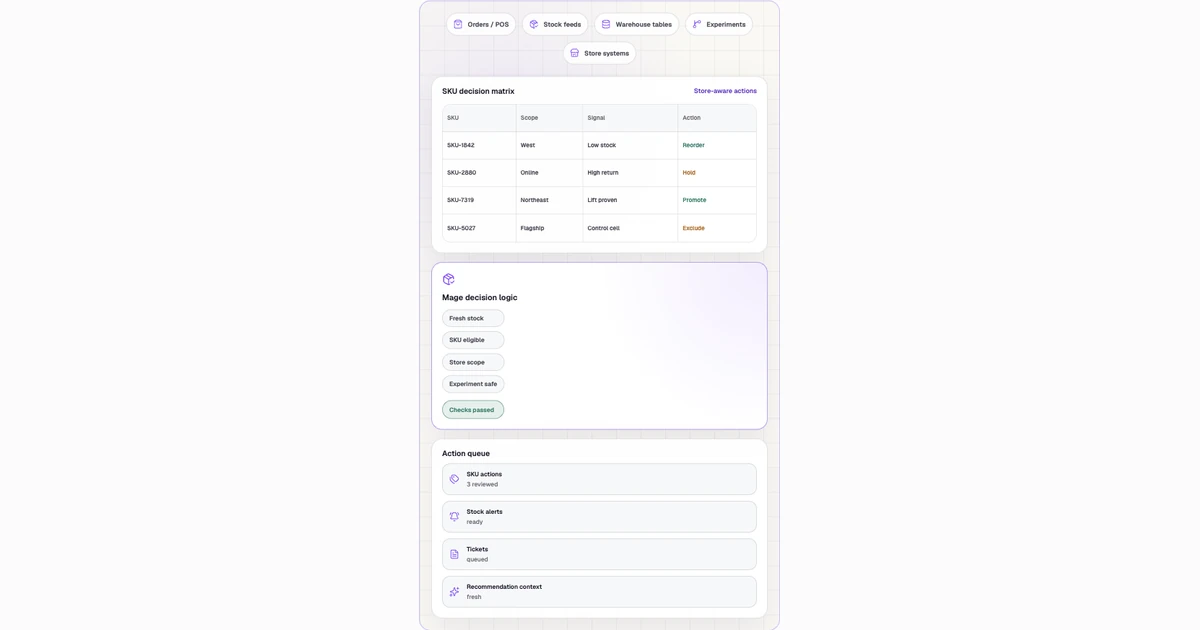
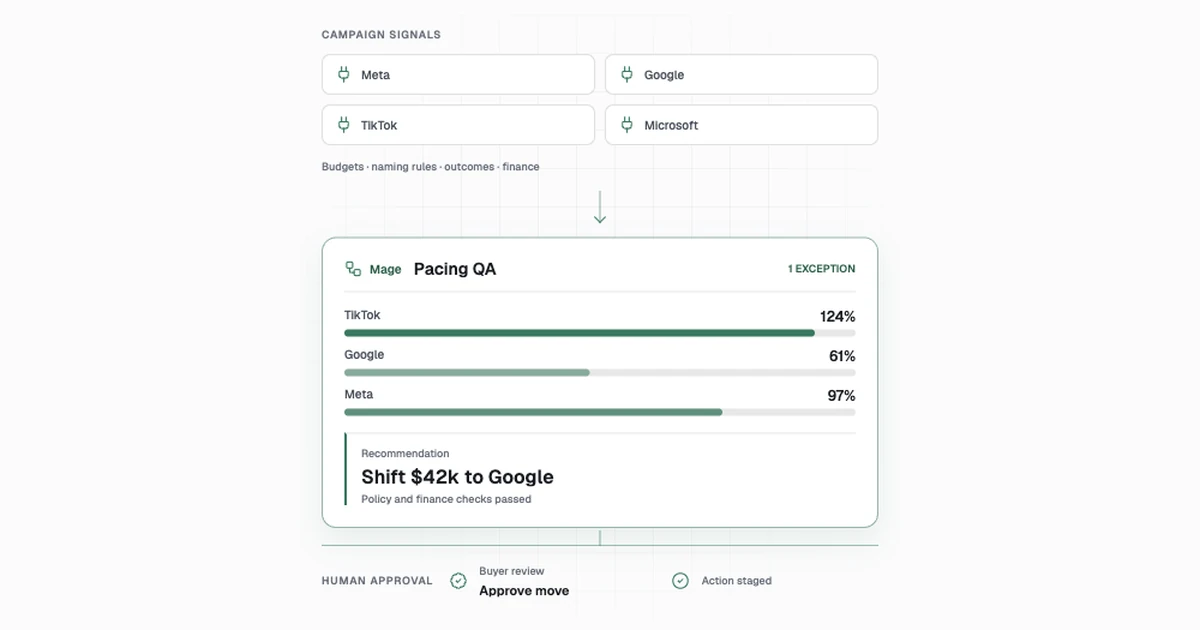
How to automate audience activation for a health business
TLDR
Prepare an approved audience, enforce channel permissions before delivery, and reconcile accepted records, rejects, and removals.
- Parseextract eligible fields
- Tag PIIclassify sensitive data
- Validatecheck consent + eligibility
- Approvelog a scoped delivery
Build each campaign audience from approved first-party data, apply purpose and channel eligibility before export, and reconcile the records the destination accepted. A useful automation produces both a ready-to-use audience and an audit trail of excluded records.
Start with the purpose and allowed fields
Use a specific campaign, such as inviting verified clinician marketplace users to complete a nonclinical profile. Write down the source population, segment logic, approved channel, permitted fields, exclusions, and person responsible for release. Keep rules for owned email separate from ad-platform eligibility. If HIPAA applies, have the responsible privacy reviewer classify the activity and approve use and disclosure before designing an activation with protected health information. Review the destination's own restrictions as well. Google restricts advertiser-curated audiences such as Customer Match and your data segments when ads promote sensitive health interests. Check the actual ad, destination, and targeting policy before upload. HHS marketing guidance · Google Ads personalized advertising policy
Build the audience from source to destination
| Step | What the team does today | How to automate it | Accepted result |
|---|---|---|---|
| Define the audience | A campaign manager writes the inclusion criteria and asks marketing operations to prepare a list. | Store the approved segment, destination, fields, and effective dates as versioned configuration. | Approved audience contract for one purpose and channel. |
| Collect and resolve identities | Marketing operations exports profile activity and matches it to contact records. | Pull only approved columns and join stable source IDs to a canonical contact key. Quarantine uncertain identity matches. | One contact per eligible identity and a separate unmatched queue. |
| Apply channel eligibility | Staff remove opt-outs, do-not-contact records, excluded cohorts, and duplicates. | Evaluate the latest effective consent or authorization state where applicable, and apply suppression before export. Check again near delivery. | Eligible records and an exclusion count by reason. |
| Review and deliver | A campaign owner checks the file and imports it into the channel tool. | Compare counts with the prior run, check the destination schema, stage the release, and record an upload job ID. | One approved audience revision and a destination receipt. |
| Apply removals and learn | Operations follows up on rejects and removes contacts after a permission change. | Poll delivery results, separate accepted and rejected records, and send approved removals on a defined schedule. AI can summarize rejection reasons using redacted inputs. | Reconciled membership and assigned exceptions. |
What to automate
Define the audience
Have the campaign owner and responsible data reviewer agree on one purpose, eligible population, channel and destination. Store permitted fields, inclusion rules, exclusion rules and effective dates in a versioned audience contract. Require a fresh review for material scope or destination changes. The run should reference an approved contract version before reading any contact data.
Collect and resolve identities
Read only the columns named in the approved contract. Resolve source profiles to a stable contact key using approved source identifiers, then deduplicate on that key and channel. Put profiles with competing matches into quarantine for the identity owner. Report source row counts and final unique contact counts so the owner can explain dropped or merged records.
Apply channel eligibility
Evaluate channel permission and suppression records at the audience cutoff. Treat a newer effective opt-out as an exclusion and return a reason code for each held record. Check again immediately before delivery. Pause the run if the permission source is unavailable or stale beyond the approved window, and alert the owner rather than guessing at eligibility.
Review and deliver
Build a draft export containing only approved fields, along with a counts report and the segment version. Check its shape against the destination contract and surface unexpected changes in volume. Require the campaign owner to approve that exact revision. Log the destination job ID and reuse the same revision key on retries to avoid multiple deliveries.
Apply removals and learn
Compare the intended audience with destination receipts and classify accepted members, rejects and removals pending. Check permission changes on a defined schedule and send approved removals through the existing channel process. Confirm removal with destination evidence. Give AI a summary of rejection codes and counts to draft an operations note for the owner.
Try three synthetic contacts
Give contact A an eligible profile and approved channel permission. Give contact B the same profile and a later opt-out. Give contact C a duplicate source record and ambiguous canonical identity. Expect one eligible member, one suppression, and one quarantine. If A opts out between review and delivery, expect zero sends. Test a replay, an unavailable permission source, and a destination rejection before scheduling regular runs. Measure accepted coverage, removal delay, and the number of permission failures at the point of delivery.
Implement a fail-closed audience export
Use one candidate(audience_version, subject_key, evaluated_at, purpose, destination, eligibility) plus a separate authorization record with provenance, policy version, effective range and scope. Start by having the appropriate owner approve the use case, data class, destination and allowed fields. Build the fixture with synthetic identifiers.
- Select candidates from the approved first-party dataset. Keep sensitive attributes in the controlled source. Derive only the fields the approved activation requires and treat unknown consent, revoked authorization, restricted destinations and out-of-scope purpose as holds.
- Materialize an immutable export manifest with candidate and suppression snapshots, counts by exclusion reason, approved destination and payload digest. Re-evaluate suppressions immediately before release using current evidence. Hold the complete export if the policy or suppression feed is unavailable.
- Send only through the approved integration identity and bind the receipt to
audience_version × destination × payload_digest. Confirm with the destination before retrying after a timeout. Route required removals and revoked permissions through a separately tracked deletion or suppression workflow under the same owner. - Compare member counts, accepted and rejected identities, and downstream corrections with the authorized manifest. Verify that logs and AI prompts contain synthetic or approved aggregate data rather than raw identifiers or health attributes.
def can_export(eligible, purpose_approved, authorization, suppressed, feed_fresh):
    return (eligible and purpose_approved and authorization == "verified"
            and not suppressed and feed_fresh)

assert can_export(True, True, "verified", False, True)
assert not can_export(True, True, "unknown", False, True)
assert not can_export(True, True, "verified", True, True)
assert not can_export(True, True, "verified", False, False)
The example tests fail-closed control flow. It does not encode which legal or contractual authorization is appropriate. Use the organization’s approved policy for each actual audience and destination.
Implement the work step by step
The lifecycle marketing lead decides whether a repeat campaign can deliver the intended permitted audience on time with auditable suppression and destination receipts. The workflow begins with an approved campaign purpose and ends with accepted membership, removals and owned rejects. Excludes ad spending and clinical outreach decisions.
Specify and stage
- Define allowed purpose and campaign audience. Store versioned policy, channel and schema IDs. Validate allowlisted fields. AI can draft audience-rule spec using nonsensitive text. Read Campaign ticket, permission matrix, source contract. Record Approved audience configuration to marketing ops. Owner Lifecycle lead. Privacy and campaign owner approve scope. Check No unapproved purpose or sensitive field reaches segment.
- Pull approved first-party fields. Run scoped query by policy version. Record source freshness and field list. Read CRM, product events, access catalog. Record Minimized source snapshot to data steward. Owner Marketing ops. Resolve stale or missing source. Check Fail closed on unavailable permission data.
Qualify and validate
- Resolve canonical contact identities. Exact ID joins and current merge rules, no fuzzy auto-link. AI can suggest candidate pairs using approved fields only. Read Contact registry, source ID map. Record Canonical records and quarantine to operations. Owner Data steward. Steward verifies ambiguous mappings. Check No merged records with conflicting permissions.
- Apply channel eligibility and latest suppression. Evaluate effective permission and suppression twice, before staging and dispatch. Read Permission events, exclusion and do-not-contact lists. Record Eligible rows and exclusion ledger to campaign owner. Owner Marketing ops. Approve new eligibility or channel rule. Check Unknown or revoked permissions never pass.
- Review anomalous size or policy break. Hold version and attach affected count and policy evidence. AI can summarize aggregate anomalies only. Read Count deltas, redacted exceptions, policy ticket. Record Approved repair or blocked release to owner. Owner Privacy reviewer. Authorize exception resolution with policy record. Check No protected information sent to model or unauthorized destination.
Release and reconcile
- Approve and deliver export. Validate allowed audience and check latest suppressions, use release idempotency key. Read Audience preview, ESP or approved destination. Record Versioned job and receipt to operations. Owner Lifecycle lead. Approve material campaign changes and initial release. Check Exact approved version. Logs expose counts rather than identifiers.
- Reconcile accepted rows, rejects and removals. Poll job, categorize error codes, apply authorized removals with durable IDs. AI can summarize redacted rejection categories. Read Destination receipt, membership and removal queue. Record Accepted and rejected counts with removal receipt to owner. Owner Marketing ops. Resolve rejected removals and destination permission issues. Check Accepted plus rejected equals attempted and pending remains visible.
Parallel run. Shadow three audience runs using nonclinical synthetic IDs and withheld destination sends. Test permission timeout, late opt-out and duplicate identity. Production gate requires designated privacy and campaign sign-off.
Build it yourself with AI
Prototype with fictional contact IDs in profiles.csv, permissions.csv and suppressions.csv. Write the campaign contract in audience_policy.md. Use a local mock destination that reads a file and writes a fake receipt. Keep identity and permission decisions in reviewable rules. Give the assistant only synthetic fixtures and redacted summaries.
-
Draft a checklist and data contract
Read audience_policy.md. Make a decision table for channel permission, latest effective event, suppression, identity conflicts and destination field allowlisting. For each condition return allow, suppress, quarantine or pause and cite the policy line. Route unspecified cases to the data reviewer.
-
Build the export and late-opt-out test
Write a local Python prototype that creates audience_draft.csv, exclusions.csv and a receipt reconciliation. Give A valid permission, B a later opt-out and C competing identity links. Expect one eligible member, one suppression and one quarantine. Add an opt-out for A after the draft and expect an empty upload. Add an unavailable permission input and expect the delivery stage to pause.
-
Draft the launch handoff
Given only aggregate output and fictional rejection codes, draft a review note showing planned members, accepted records, rejects and removal status. List cases needing a person and the owner for each case.
Run the same input twice and compare membership and upload IDs. Force a rejection and replay the removal reconciliation. Before connecting the real destination, have the data reviewer and campaign owner approve the contract, report and release procedure together.
Need help automating this?
See how Mage helps healthcare teams prepare approved audience data, check sensitive fields and track delivery. See Mage's healthcare audience activation solution.