
3.5 Practical exercise
You're a Data Engineer at NYC's Performance Analytics team preparing to build a real-time 311 service request analytics pipeline. Before you can extract data from the NYC Open Data API and load it into your team's Google BigQuery data warehouse, you need to securely configure authentication credentials.
Your challenge is to use Mage's Secrets Manager to store your GCP service account credentials.
Complete the steps below to configure Goggle Cloud Platform secrets, through Mage’s internal Secrets manager. You can substitute Secrets from other data warehouse technologies if BigQuery is not in your data stack:
Enter the Key, which is the name of your secret in the “Secret name” text box
The secret name should be something memorable and describes the key
Enter the GCP secrets value into the “Secrets value” text box then hit enter/return
Enter the secrets for the following key value pairs
project_id
private_key_id
private_key
client_email
Your New York City 311 API key
If you successfully enter a secret, your Mage secrets manager should look similar to the picture below:
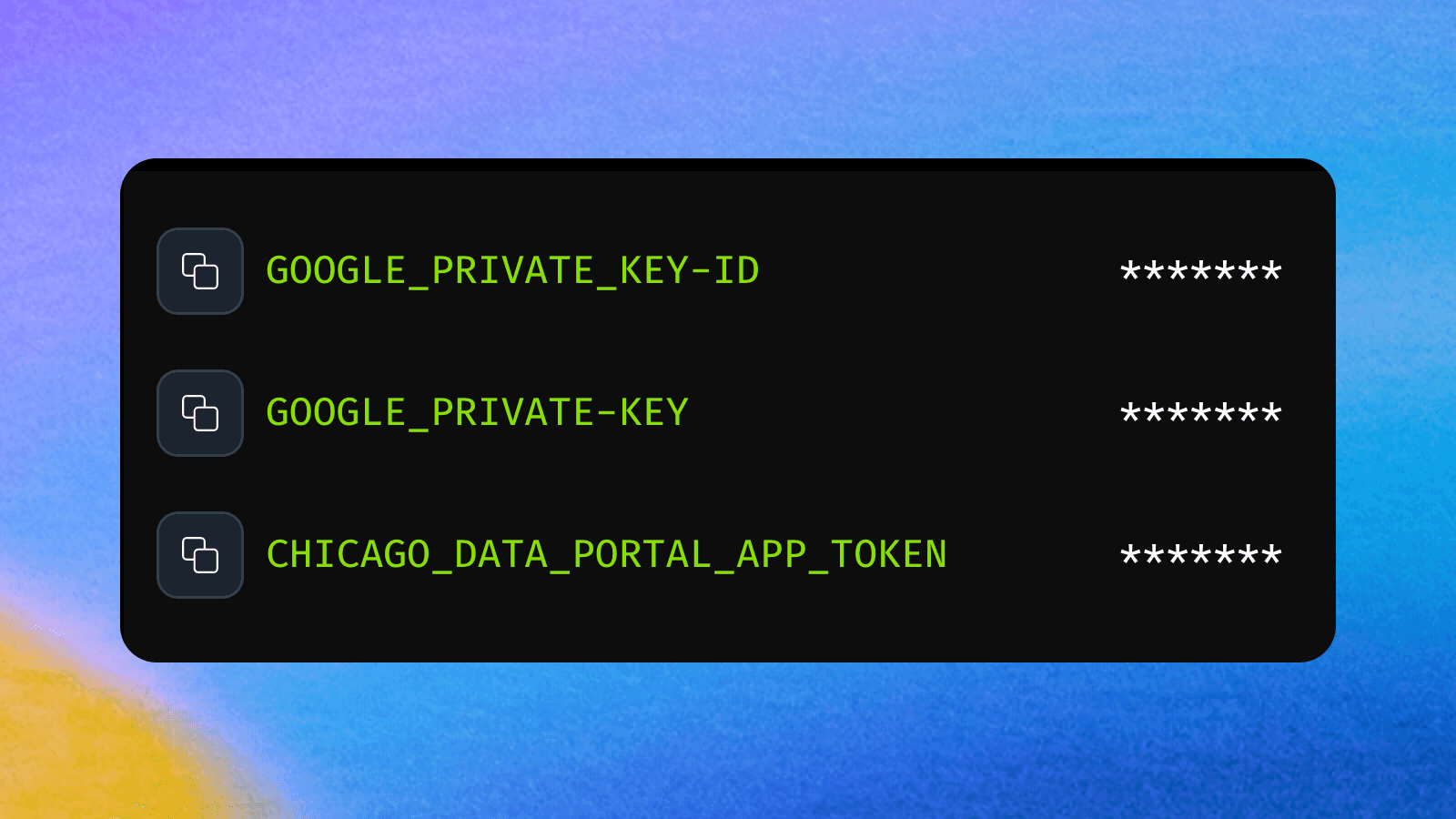
Mage's secrets management system provides a secure way to handle sensitive information within your data pipelines. By utilizing the built-in secrets manager, you protect credentials from accidental exposure while maintaining easy access for your pipeline code. This approach ensures that sensitive data remains encrypted and access-controlled, meeting security requirements for production data engineering environments.